Signal Metadata
Signal metadata and Signal properties can be easily imported into or exported out ofTSI for all the approved signals.
Importing
The metadata information needs to be CSV formatted with fixed header information as described below:
signalName: Name of the approved signal in TSI. This is a required column.unit: Unit of measure of the signal in TSI. This is an optional column.description: Description of the signal in TSI. This is an optional column.layout: Name of the Signal Tree. This is an optional column.level[n]: Name of the child node at a given level in the information hierarchy of the Signal Tree. Alevel[n+1]represents a node withinlevel[n]node. These are optional columns.signalProperty: Property to attach to the signal in TSI. Example:minThreshold,maxThreshold, etc. These are optional columns.signalMapping: New name of the signal in the external system. Only set if the incoming data has the signal data with a new name.
The file must be formatted as below:
signalName,unit,description,layout,level1,level2,minThreshold,signalMapping
signal1,A,measuring current,Turbines,Turbine 1,Outer casing,20,new_signal1
signal2,K,measuring temperature,Turbines,Turbine 1,Outer casing,65,new_signal2
Note
Make sure the CSV is valid and has the special characters handled. If you wish to not set any of the metadata or properties, leave the column blank for those signals. This action triggers SIGNALUPDATE activity. You can monitor the status of this activity under Activities section.
Exporting
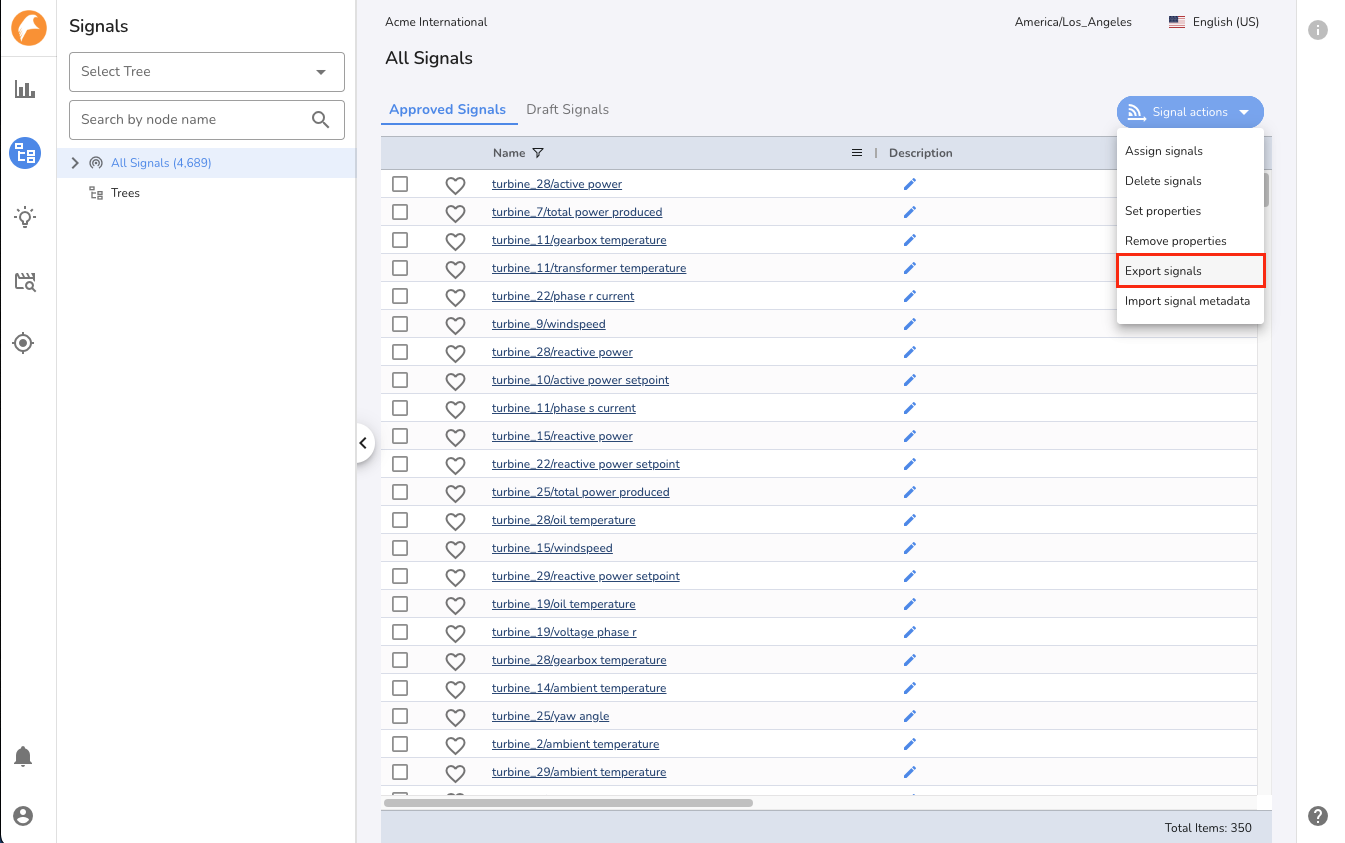
To get the signal list in CSV formatted file, use the Export Signals action from any signal table within Signal Manager. The same CSV file can be reformatted as above to import it back into the system.